
Search the knowledge base, browse our resources, and visit our Community Forum for more detailed information
Last updated: 23 Apr 2026
You can customize the layout and visual appearance of your web forms using built-in themes. These themes allow you to control how questions are displayed, whether on a single page, across multiple pages, or arranged in a compact grid layout.
Form themes apply only to web forms and are not supported in KoboCollect. This article explains how to apply a web form theme in the Formbuilder and how to configure question widths when using the Grid theme.
To add a web form theme to your form in the Formbuilder:
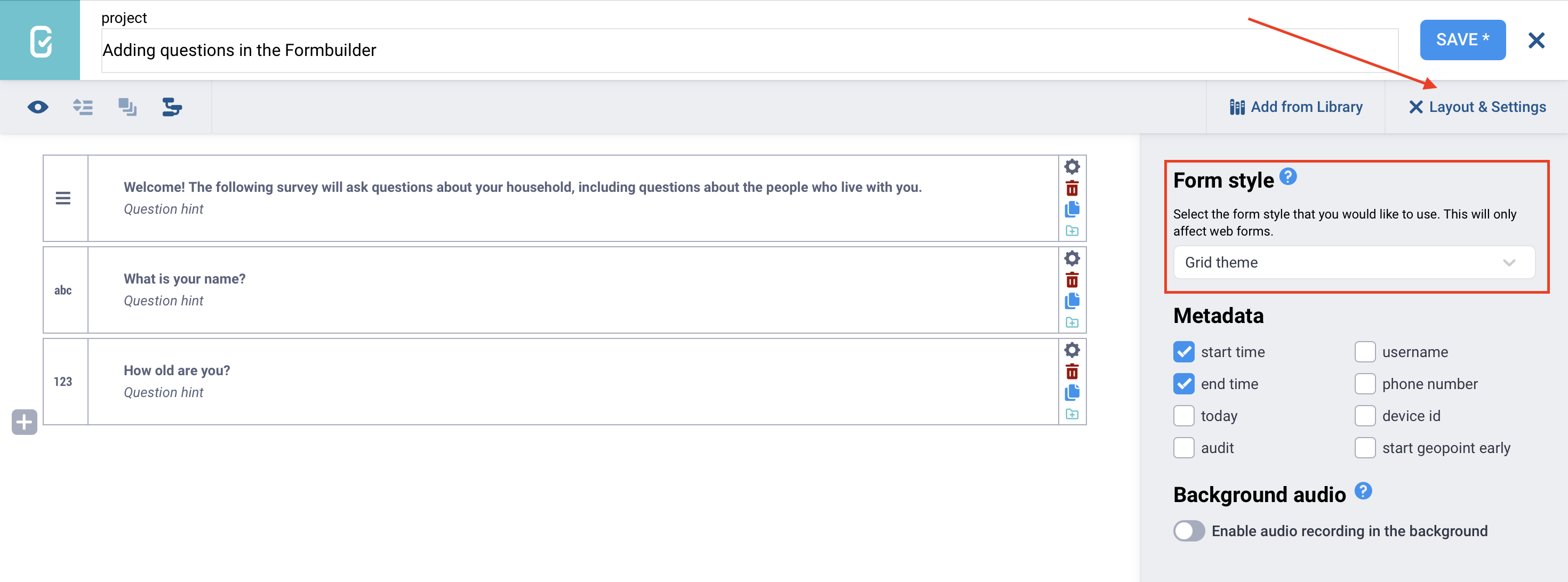
Click Layout & Settings in the top right corner of the screen.
In the Form style section, select the theme you want to apply to your form.
The following themes are available to customize your forms:
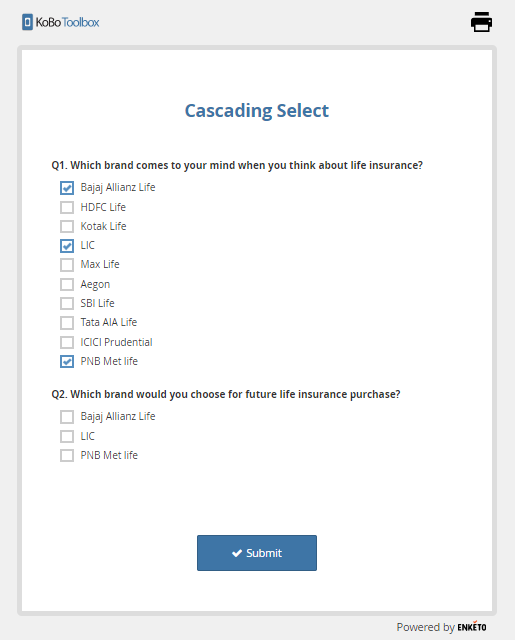
Note: You can also combine Multiple pages and Grid theme styles.
In web forms, the Grid theme allows you to display questions in multiple columns, making your form more compact and visually organized. The setup of these columns, including how many there are and how wide each one should be, is controlled by assigning w-values to each question in its Appearance (Advanced) settings.
For a comprehensive overview of using the Grid theme, see this Grid Theme Tutorial and sample XLSForm.
To specify the relative width of each question within a row:
Open the question settings by clicking Settings to the right of the question. This will take you to the Question Options tab.
In Appearance (Advanced), assign appearance values (e.g., w1, w2, w3) to specify the question’s relative width within a row.
Rows will always automatically expand to the full width of the page. For example, a row containing one question with an appearance value of w2 and another with w1 will divide the row into two-thirds and one-third, respectively.
Note: The default width for a group or repeat group is four columns (w4), so a group with w4 can hold a maximum of four w1 questions in a single row. A question's w-value is relative to its group's w-value. Apply w-values only to top-level groups or repeats: although applying them to nested groups or repeats is supported, it may not display well.
Did you find what you were looking for? Was the information clear? Was anything missing?
Share your feedback to help us improve this article!